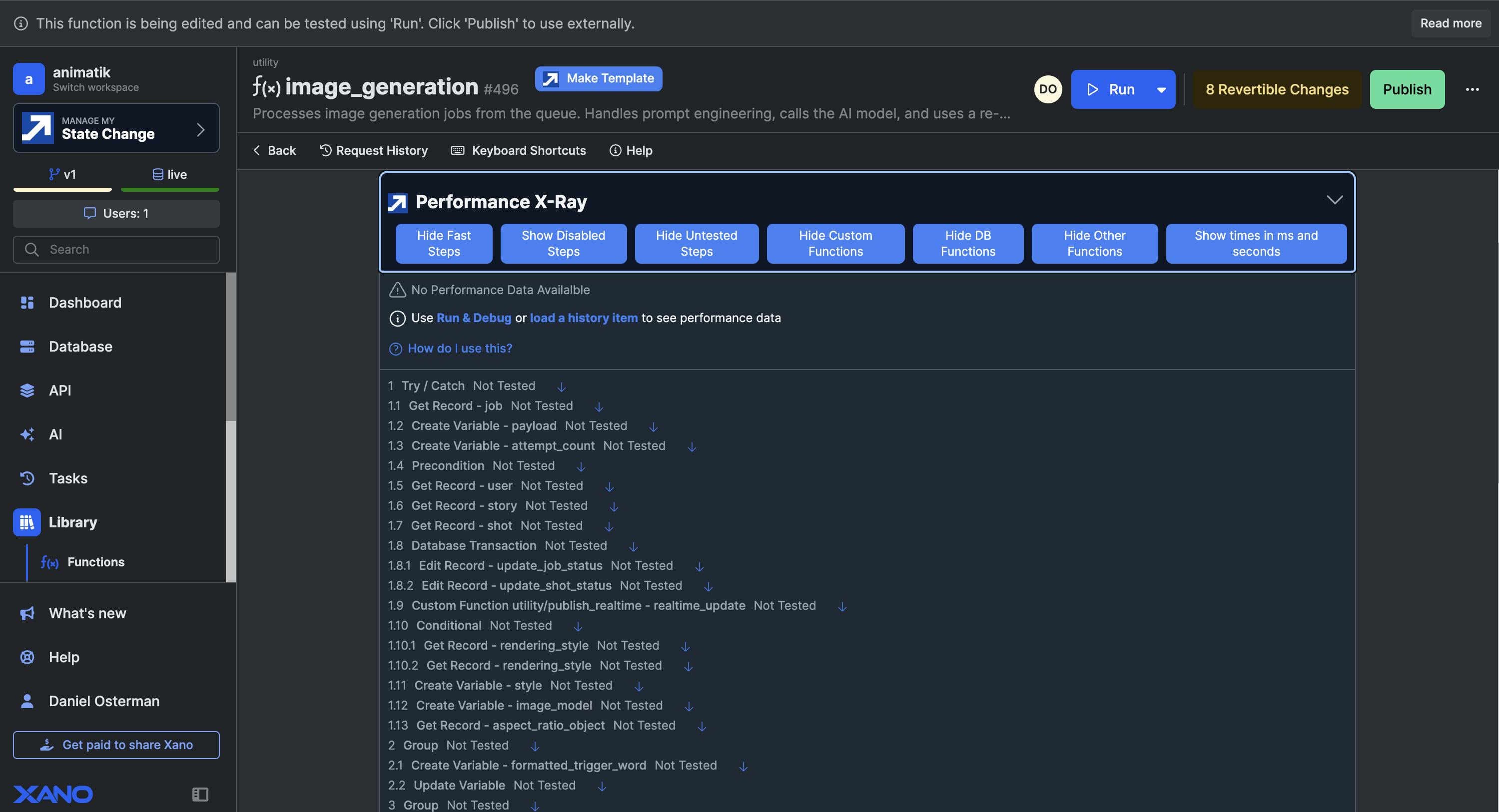
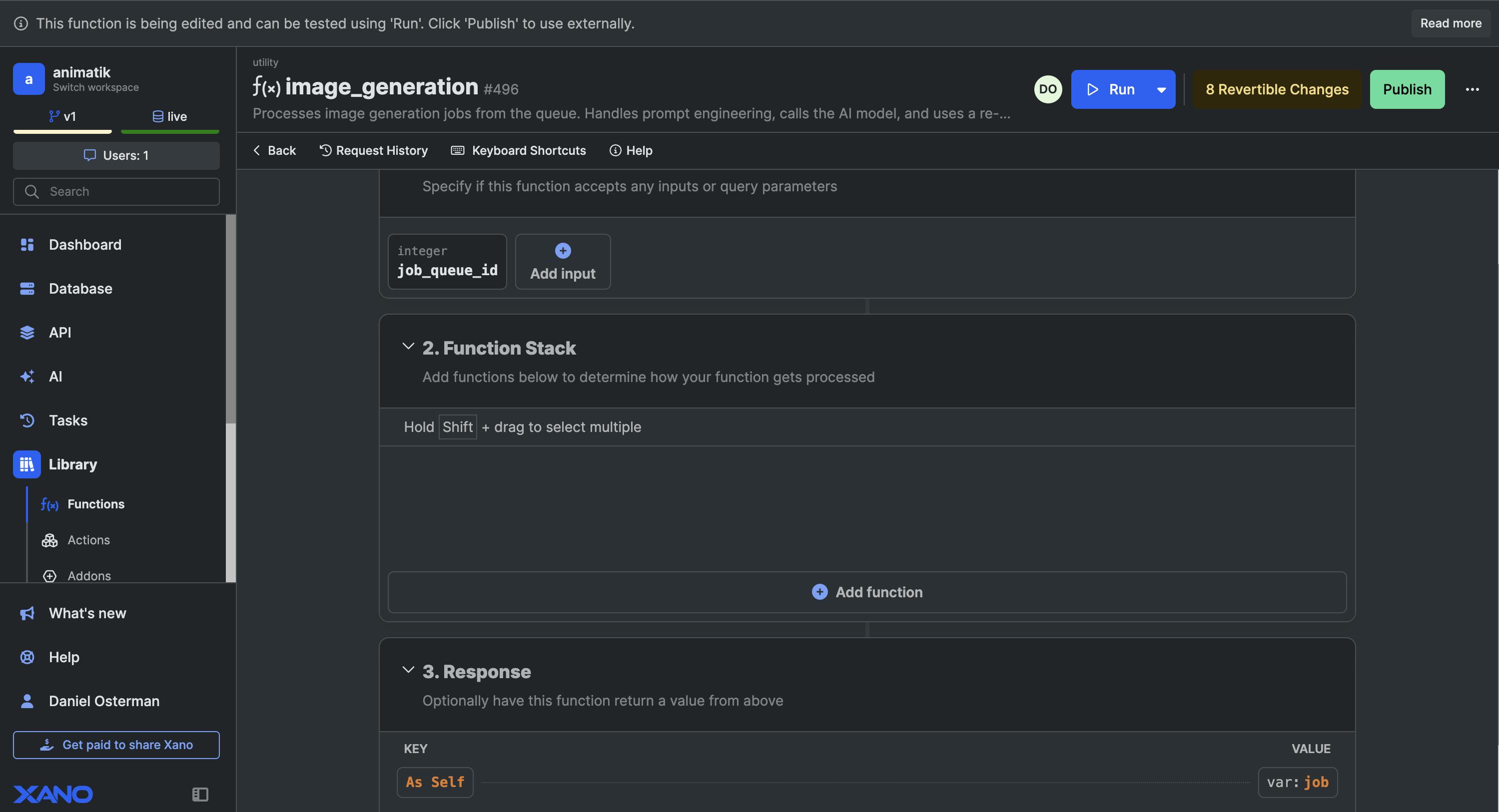
I'm experiencing a visual bug in the function stack for an API and custom function.
After refreshing the screen while working on a function, all previously created steps in the function stack disappeared. I thought clearing the browser cache and history might help but that didnt change anything. Clicking "Add Function" causes the screen to freeze. And when I click "import" it appears to import a few steps but nothing displays in the function stack window.
This issue also occurred a few days ago with the generate_image API. After cloning the endpoint and then reverting the original back to its published state, the bottom of the function stack was truncated — Im unable to see the last steps of the stack or the response. Oddly, the full function stack appears on my laptop but not on my 24" desktop Mac.
The function I was working on now shows no function steps on either device (laptop or desktop). Publishing didn’t resolve it. Through the Performance X-Ray, I can confirm the steps are still there — they just aren’t displaying in the UI. I also tested removing the statechange extension but that didn't change anything.
I've included a video showing the issue in action.
Thanks for looking into this!
https://www.tella.tv/video/function-stack-bug-1-86nu